
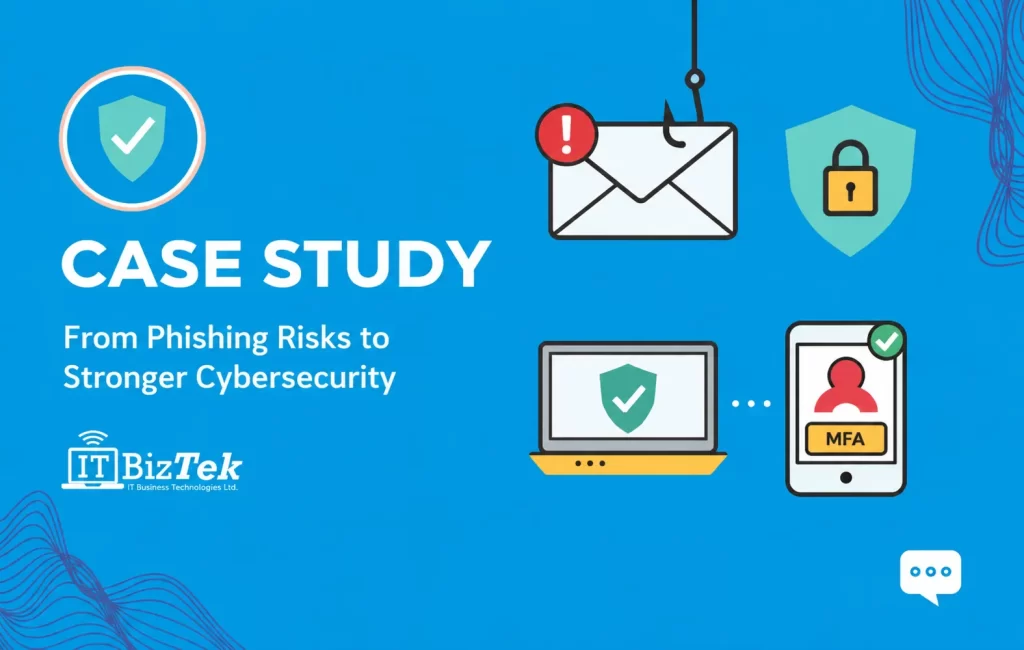
A growing law firm in Toronto relied heavily on email, Microsoft 365, cloud-based files, and remote access to manage sensitive client matters and day-to-day communication.
As the firm expanded, employees began receiving increasingly convincing phishing emails, including fake Microsoft login requests, document-sharing notifications, and messages impersonating partners and vendors.
The firm had security tools in place, but protection was inconsistent across users and devices. Leadership wanted a more structured cybersecurity approach before a successful phishing attempt turned into a compromised account, exposed client information, or larger business disruption.
The Challenge: Increasing Phishing Attempts and Inconsistent Account Security
The law firm was dealing with several cybersecurity concerns:
- Employees regularly receiving phishing and impersonation emails
- Inconsistent multi-factor authentication across business accounts
- Limited visibility into suspicious login attempts
- Different security settings across employee devices
- No standardized process for reporting suspicious emails
- Concern about protecting confidential client documents and communications
- Remote access increasing the number of locations and devices connecting to business systems
The biggest issue was not a single piece of technology.
It was the lack of a consistent security strategy across email, user accounts, endpoints, and employee behaviour.
The firm needed stronger protection without creating unnecessary barriers for lawyers and staff who depended on fast access to email, documents, and cloud applications throughout the workday.
Our Process
Cybersecurity Assessment
ITBizTek began with a review of the law firm’s existing cybersecurity environment to identify gaps and understand how employees were accessing business systems.
The assessment included:
- Microsoft 365 account security
- Multi-factor authentication settings
- Email filtering and phishing protection
- Endpoint security across laptops and workstations
- User permissions and administrative access
- Firewall and network security
- Remote access procedures
- Software patching and update status
- Backup and recovery capabilities
Key finding: Security controls existed, but they were not applied consistently across all users and devices. This created unnecessary gaps that could make a successful phishing attempt more damaging.
Multi-Factor Authentication and Account Protection
One of the first priorities was strengthening user accounts.
ITBizTek standardized multi-factor authentication across business-critical accounts and reviewed user permissions to reduce unnecessary access.
We also reviewed administrative accounts and separated higher-level access from standard day-to-day user accounts where appropriate.
This added another layer of protection if an employee password was ever exposed through a phishing website or another type of credential theft.
Rather than relying on passwords alone, the firm’s account security now had multiple controls protecting access to sensitive systems.
Advanced Email Security and Phishing Protection
Email was the most common entry point for suspicious activity, so the next step was strengthening the firm’s email security.
ITBizTek implemented and configured additional protection to help identify:
- Phishing emails
- Suspicious links
- Malicious attachments
- Sender impersonation
- Unusual email behaviour
- Messages attempting to steal login credentials
Email security policies were standardized across the organization rather than being configured differently from one employee to another.
The goal was to stop more suspicious messages before they reached an employee while still giving the firm’s team a clear process for dealing with anything that made it through.
Endpoint Security Across Employee Devices
Protecting email accounts was only part of the solution.
Lawyers and staff accessed sensitive information from laptops, desktops, and other devices, including systems used outside the main office.
ITBizTek standardized endpoint security across company-managed devices and established centralized visibility into device protection.
This included:
- Managed endpoint protection
- Security updates and patch management
- Device health monitoring
- Malware protection
- Review of outdated or unsupported software
- Standardized security configurations
This reduced inconsistencies between devices and made it easier to identify systems that required attention.
Firewall and Network Security Review
The firm’s network infrastructure was also reviewed to make sure security did not stop at the inbox.
Firewall rules, remote access, wireless connectivity, and network configurations were evaluated as part of the broader security strategy.
ITBizTek adjusted security policies where necessary and strengthened visibility into network activity.
This created another layer between external threats and the systems employees depended on every day.
Employee Phishing Awareness
Technology can filter and block many threats, but employees still play an important role in cybersecurity.
The firm’s team was given practical guidance on how to recognize common phishing techniques, including:
- Fake Microsoft 365 login pages
- Unexpected document-sharing requests
- Messages impersonating partners or executives
- Requests to change payment information
- Suspicious attachments and links
- Unexpected multi-factor authentication requests
Employees were also given a clear process for reporting suspicious messages.
Instead of deleting an unusual email or trying to determine whether it was legitimate on their own, staff knew when and how to involve the IT team.
Ongoing Monitoring and Cybersecurity Management
The project did not end once the initial security improvements were implemented.
Through ongoing Managed IT Services, ITBizTek continued monitoring the firm’s technology environment and managing security controls as users, devices, and business requirements changed.
This included ongoing attention to:
- User accounts
- Security alerts
- Endpoint protection
- Software updates
- Email security
- Network activity
- Backup status
The firm moved from dealing with cybersecurity as a collection of separate tools to managing it as an ongoing business process.
The Results
With standardized cybersecurity controls in place, the law firm gained:
- Consistent multi-factor authentication across critical accounts
- Stronger protection against phishing and email impersonation
- Centralized endpoint security across employee devices
- Better visibility into suspicious login and security activity
- Standardized security policies across the organization
- A clear process for employees to report suspicious messages
- Improved control over user and administrative access
- Ongoing monitoring instead of relying solely on reactive security
Most importantly, cybersecurity became easier for the firm’s leadership to manage.
Instead of relying on individual employees to recognize every possible threat, multiple layers of protection were put in place across accounts, email, devices, and the network.
Employees could continue working with the cloud applications and documents they relied on while the firm’s security was managed more consistently behind the scenes.
A Layered Cybersecurity Strategy for Law Firms
Law firms handle confidential communications, client documents, financial information, case files, and other sensitive data every day.
Protecting that information requires more than antivirus software or a strong password.
Email security, multi-factor authentication, endpoint protection, firewalls, monitoring, user access controls, backups, and employee awareness all work together to reduce unnecessary risk.
This project shows how a structured cybersecurity strategy can help a professional services firm move from inconsistent security controls to a more centralized and proactive approach.
ITBizTek provides cybersecurity and IT services for law firms throughout Toronto and the GTA, helping legal practices protect their technology while keeping employees productive.
Concerned about phishing, account security, or gaps in your current cybersecurity setup? Talk to ITBizTek about reviewing your current environment and building a security strategy around the way your firm actually works.