

Home / Cybersecurity Services / Managed Firewall Services
CYBERSECURITY SERVICES
Managed Firewall Services in Toronto & the GTA
Your firewall needs to keep up with the way your business works. ITBizTek helps Toronto businesses configure, maintain and manage business firewalls, with clear rules for office networks, remote access and connected locations.
Or call (416) 342-1568.




WHAT THE SERVICE COVERS
Firewall management that goes beyond installing hardware
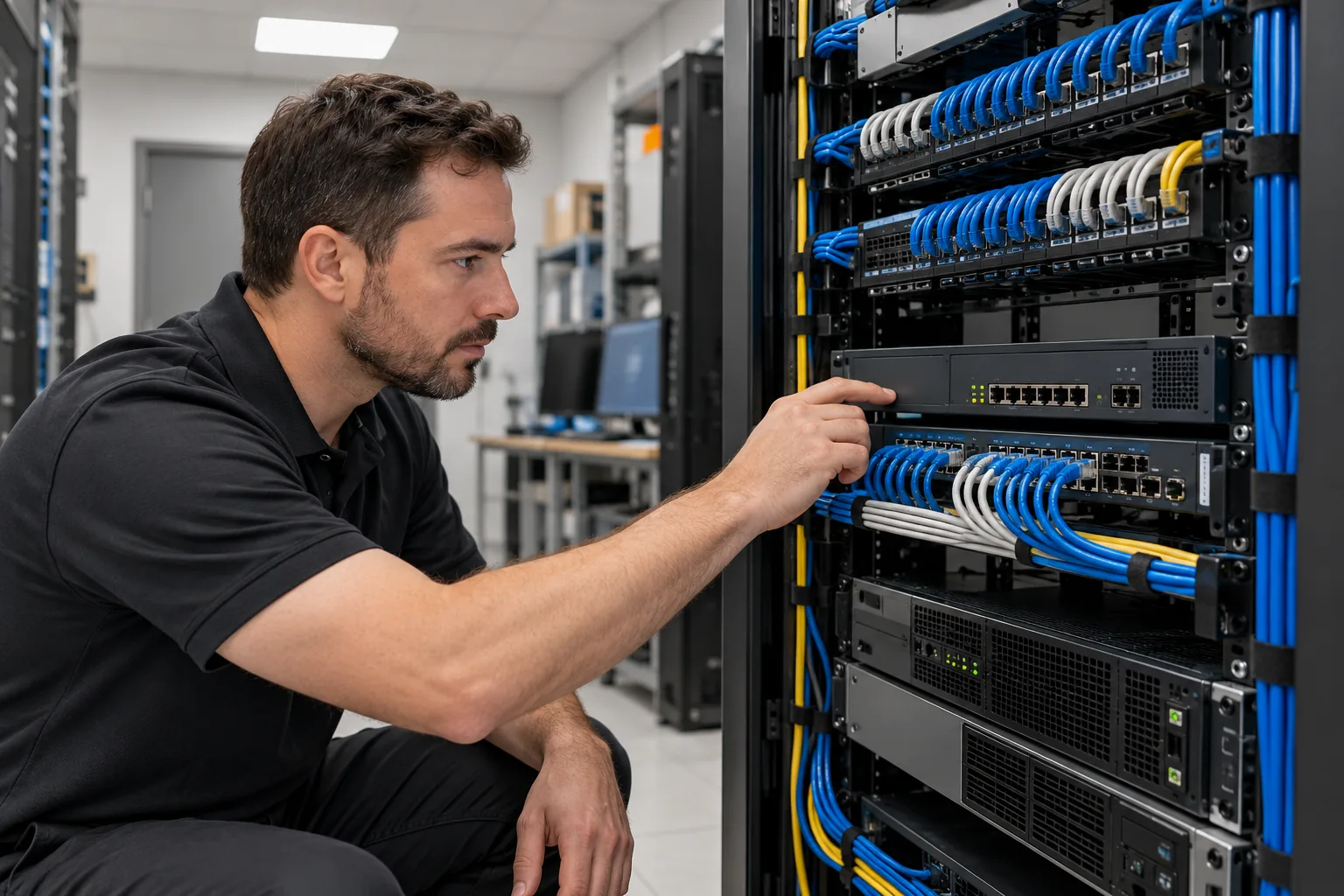
A firewall controls traffic between networks using security rules. Buying an appliance is only the start: outdated firmware, forgotten exceptions and unnecessary remote access can leave gaps even when the hardware is working. Our managed firewall services bring configuration, maintenance and review into one planned service, scoped around your devices and business requirements.
01
Configuration and rule reviews
Review the connections your business actually needs. We assess inbound and outbound rules, administrative access and old exceptions, then plan changes that reduce unnecessary exposure without blocking day-to-day work.
02
Firmware and security subscriptions
Keep track of supported firmware, vendor security updates and the subscriptions that enable licensed protection features. Updates are planned around compatibility, maintenance windows and a recovery approach.
03
VPN and remote access
Review how staff and approved third parties connect to business systems. We configure supported VPN access, check permissions and coordinate multi-factor authentication where the platform supports it.
04
Network separation
Separate access for employees, guests and sensitive systems where appropriate. A guest Wi-Fi connection should not automatically provide a route to your business servers or administrative interfaces.
05
Monitoring and investigation
Review the monitoring and log information available from your firewall. Alert handling, escalation contacts and after-hours responsibilities are defined in the service scope so important events have an owner.
06
Backups and change records
Maintain configuration backups and a record of approved changes. Documenting the purpose of rules makes future troubleshooting, device replacement and security reviews easier.
BUILT AROUND YOUR BUSINESS
When should you review your business firewall?
A review is useful when you take over an existing office, switch IT providers, introduce remote access, add a second location or discover that nobody knows why a firewall rule exists. It can also identify equipment that is approaching the end of vendor support.
- Remote access has accumulated over several years.
- The device has not received firmware updates or its security subscriptions have expired.
- Staff, guest devices and business servers share unrestricted network access.
- Your team cannot locate a current configuration backup or a documented change history.
We start with the current environment rather than assuming every business needs a replacement. Where an upgrade is needed, hardware capacity, internet speed, licensed features and support requirements all influence the recommendation.
A PRACTICAL START
What a review can clarify
- Rules that match current business requirements
- A documented plan for remote access
- Configuration backups and a clear change history
HOW IT WORKS
A clear process from review to ongoing support
We agree on the scope, priorities and responsibilities before work starts.
01
Review the network
Identify the firewall model, sites, internet connections, remote users and applications that depend on it.
02
Agree on the changes
Prioritize findings, confirm who approves access and plan a maintenance window for changes that could affect connectivity.
03
Configure and validate
Apply agreed settings, verify business applications and remote access, and retain a configuration backup.
04
Maintain and revisit
Review changes as users, applications and locations change, with ongoing responsibilities defined in your agreement.

WHY ITBIZTEK
A local team that understands your working environment
ITBizTek has supported businesses since 1998, with offices in North York and Richmond Hill. Our team connects security planning with the accounts, devices, networks and applications your employees use every day.
- Practical recommendations: review what you have before deciding what needs to change.
- Clear communication: understand the work, the next steps and the responsibilities included.
- Connected IT support: coordinate security with the wider systems your business depends on.
Learn more about ITBizTek or explore our managed IT services.
A LAYERED APPROACH
A firewall is one part of your security programme
A network firewall does not replace protection on individual computers, secure email, employee training or recoverable backups. Combine it with managed endpoint security and email security to cover different ways an attack can reach your business.
For a wider review of weaknesses, start with a cybersecurity assessment. If you want a plain-language explanation first, read our guide to business firewalls.
PLANNING YOUR SERVICE
What affects the cost?
Firewall management pricing depends on the number of devices and locations, hardware condition, licensed features, VPN requirements and the monitoring or response coverage required. Hardware purchases, vendor subscriptions and major network changes should be identified separately in the proposal so you can compare the complete cost.
YOUR QUESTIONS ANSWERED
Managed Firewall Services: frequently asked questions
Have a question about your current setup? Tell us what you use today and what you want to improve.
We first check its make, model, support status, licensing and current configuration. If the equipment is suitable, management may be possible without replacing it. Unsupported devices or requirements beyond the hardware capacity may call for an upgrade.
No. A network firewall controls traffic between networks. Endpoint protection runs on individual computers and servers to help detect malicious files and behaviour. They address different risks and are commonly used together.
Some changes can affect internet access, VPN sessions or business applications. We identify dependencies, agree on a suitable maintenance window where necessary and validate the affected connections after the work.
Monitoring, automated protection and human response are different service components. We confirm the coverage, escalation process and response responsibilities in your agreement rather than assuming every firewall engagement includes the same service.
Yes. We can review connectivity and security requirements across business locations, including site-to-site access and remote users. The design and supported equipment are confirmed during discovery.
RELATED SERVICES
Build the right combination of protection
Independent guidance: Canadian Centre for Cyber Security baseline controls for small and medium organisations.
Request a Firewall Review
Tell us which firewall you use, how many locations you operate and what is prompting the review. We will help identify the next practical step.